Well hello everybody! This Wednesday will be the first of a new regular column. Wednesdays are now product review days. So come back every Wednesday to find out what products I like or don't like.
This week I will be sharing a really cool
photoshop plugin called Virtual Photographer presented by
Opitkvervelabs . Oh and did I mention its absolutely free! Love that!
Virtual photographer is a very easy to use and install product. Once you have it installed (they have very easy to follow instructions on there site
here). Simply click on your filter tab and scroll down to
optikverve labs then click on Virtual photographer. This is what it looks like when opened.

The options are amazing! If you click on the tab "presets" you will get a pull down menu that has several options for color or changing to black and white. On the right side you can adjust the levels of of softness and color. You can customize it to get the look you really want.
There are so many
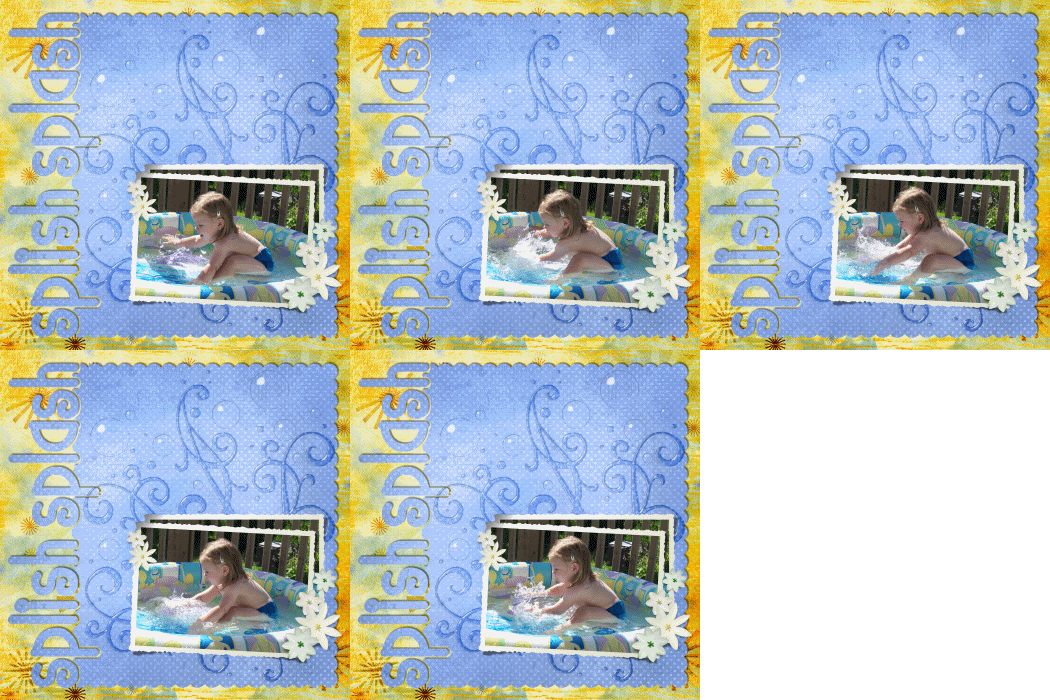
differnet filters I can't show you all but here is and example of one.

The only downside to these filters is some tend to make the photo a little too blurry depending on the size. Another thing if you are working in layers any open space around your picture will be filled with your background color. So if you are working on a scrapbook page you will need your marquee tool or eraser to remove that. Other than that I would highly recommend it. I use it all the time.

Check it out here.
Fridays are going to be Filter Fridays. I will be posting pictures or layouts using different filters.








 My StumbleUpon Page